Skip to content

Orders Manager

Fast and simple order fulfillment from multiple sales channels.

Pobieraj zamówienia z Allegro, Empik, ERLI, InPost Buy, WooCommerce i PrestaShop. Masowo twórz przesyłki, dokumenty sprzedaży i listy dla magazynu, a na końcu sprawnie pakuj każdą paczkę.

Korzystanie z Menedżera Zamówień jest w 100% bezpłatne.
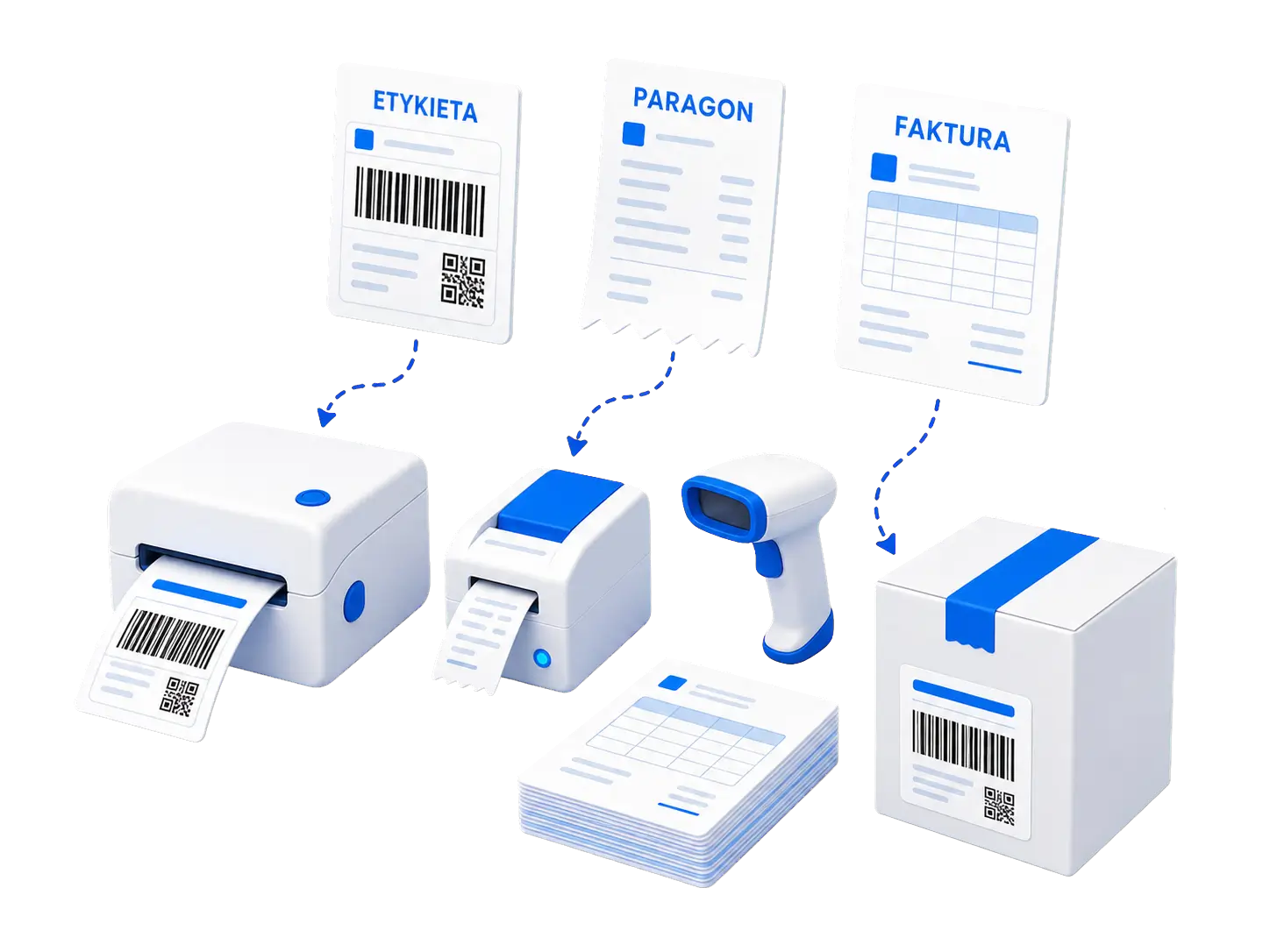
Label, receipt, and invoice above printers, a scanner, and a ready-to-ship package

All stages of fulfillment in one place

  1. 1

    Load

    Download orders from connected sales channels.

  2. 2

    Find

    Use statuses, sources, tags, and advanced filters.

  3. 3

    Prepare

    Check data, add tags, package description, and shipping parameters.

  4. 4

    Ship

    Schedule pickups, labels, and dispatch with the selected carrier.

  5. 5

    Documents

    Print receipt, issue invoice, or generate list.

  6. 6

    Pack

    Scan the shipment and view products to be packed.

Key information without opening multiple systems

The list combines data on payments, products, delivery, documents, and communication. Counters immediately show how many orders are waiting at each stage.

Filters and full order view Real application screen
Actual view of the panel with a demo order.

Common order queue

Allegro, Empik, ERLI, InPost Buy, WooCommerce, PrestaShop oraz zamówienia dodane ręcznie są obsługiwane z jednego widoku.

Precise search

Combine multiple conditions, select period, status, account, delivery method, tracking status, tags, and special filters.

Warnings before an error occurs

The tool indicates payment discrepancies, multiple purchases by one customer, lack of sender address, and messages from the buyer.

Data needed for fulfillment

Products, SKU, EAN, amounts, payment, delivery, shipment number and status, addresses, invoice, buyer messages, notes, and errors are always at your fingertips.

Tags and quick descriptions

Tag orders with custom tags, filter by them, rename them, and delete them in bulk. The package contents description is saved automatically using the configured template.

Messages related to the purchase

See the message to the seller, preview the last conversation, and view the full history. Required eCommerce Communicator.

Check, correct, and prepare the shipment without reloading the page

The expandable card shows the shipping address, buyer's details, and invoice information. Most frequently changed package parameters and tags can be directly edited on the list.

  • payment, receipt, invoice, fulfillment, and additional services status
  • products with photo, SKU, EAN, quantity, and price
  • shipment number, carrier status, and confirmation of the number being sent to Allegro
  • content description, dimensions, weight, and tags with automatic saving
  • shipping address or pickup point, buyer's contact, and invoice details
Searched order: Garden shears Real application screen
Search result on an actual demo account.
Order addition modal Real application screen
A manual order can be prepared without a separate sheet.

Full sales data editing

Add your own order or modify an existing one: from payment and recipient data to items, VAT rates, and billing information.

  • payment method, amount to be paid, amount paid, and currency
  • delivery service, pickup point, shipping cost, and full address
  • message for the warehouse manager and counter for the receipt print attempt
  • invoice required, VAT ID, buyer's address, and invoice notes
  • any number of products: name, price, quantity, unit, and VAT
Action bar for selected orders Real application screen
After selecting orders, bulk actions are available in a single bar.

One selection, multiple ready operations

The fixed action bar shows the number of selected orders. Longer tasks are executed in the background and report progress in real-time.

Shipments

Ordering and purchasing packages and printing labels for selected orders.

Statuses

Moving to: To ship, Shipped, Prepared, Returned or Canceled.

Sales documents

Printing of receipts and e-receipts, issuing invoices and sending them automatically.

Lists and manifests

Receipt manifest, order list, and consolidated product list for preparation.

Approaches

Order a courier from InPost, DPD or approach 'I am shipping from Allegro.'

Organizing

Duplicating orders, selecting the entire page, and expanding and collapsing details collectively.

Scan the package and immediately see what to put in the box

A scanner or manually entered tracking number opens the correct order. The warehouse worker sees clear product cards without having to browse the entire list.

  • searching by tracking number or barcode
  • photo, name, required quantity, and SKU of each product
  • number of different items and number of the processed order
  • automatic cursor placement in the scanning field
Scan Products Ready package
Packing view after scanning the package Real application screen
Actual packing view after entering the tracking number of the demo order.

Integrations that shorten daily fulfillment

Generated files and the latest order pickups remain available in the side panel, so you can easily return to the necessary document or status.

Shipping with Allegro, InPost, and DPD

Creating packages, purchasing shipments, sending the number to Allegro, and ordering pickup by the carrier.

Labels and manifests

Printing shipping labels, pickup manifest, and optionally sending the printout directly to the configured printer.

Receipts and e-receipts

Integration with bsxPrinter, controlling print statuses, resubmitting and skipping orders with invoices or incomplete payments.

Invoices through wFirma and iFirma

Bulk issuing of invoices or issuing connected with automatic sending to the client.

Order and product lists

Ready PDF files for selected orders: summary of orders and aggregated product list for completion.

History of order pickups

Carrier and status filters, shipment details, refreshing status, copying numbers, and canceling available pickups.

All features of the Order Manager

The list below includes features available in the new interface — also those used less frequently or visible only after configuring the appropriate integration.

Sources, loading, and statuses

  • pobieranie zamówień z Allegro, Empik, ERLI, InPost Buy, WooCommerce i PrestaShop
  • adding manual orders and duplicating existing ones
  • manually starting the import with visible task progress
  • time ranges: week, month, 3 months, year, maximum, and custom date range
  • statuses: To be sent, Sent, Prepared, Unpaid, Incomplete, Purchased, Returned, and Canceled
  • filtering by specific account or sales source
  • order counters for statuses, deliveries, sources, and tracking statuses

Searching and filtering

  • combining multiple search criteria in a single query
  • order number, last name, nickname, phone, e-mail, postal code and company name
  • product name, SKU, offer number and pickup point ID
  • payment amount or range of amounts, shipping status and tracking number
  • searched or specific delivery method, payment method and message from the buyer
  • filters: unprinted receipt, required or not issued invoice and message from the buyer
  • filters: Allegro SMART or without SMART, with note, ordered or not ordered and fulfillment or without fulfillment
  • filtering by service and delivery method, tracking status and multiple tags
  • displaying payment discrepancies and changing the number of orders on the page

Card and edit order

  • source, buyer, date, payment status, invoice, receipt and errors
  • One Fulfillment, additional services and message for the warehouse worker
  • products with photo, name, SKU, EAN, quantity, price and additional services
  • delivery, SMART, number of packages, tracking, carrier status and cost
  • comparison of the amount paid with the amount due
  • editing description of content, dimensions, weight and tags with auto-save
  • shipping or pickup point address, contact details, billing details, order number and source
  • complete payment edit form in PLN, CZK, EUR or HUF, shipping, recipient, invoice and products
  • link to buyer's profile, masked e-mail with copying option and active tracking number

Bulk actions

  • selecting all orders on the page and selection counter
  • ordering and purchasing packages and printing labels
  • printing receipts or e-receipts via bsxPrinter
  • bulk change of supported order statuses
  • issuing invoices or issuing and automatic sending
  • duplicating orders
  • generating pickup manifest, order list and product list
  • ordering a courier InPost, DPD and a pickup Sending from Allegro
  • collapsible expanding and collapsing of details

Communication, tags and control

  • message from the buyer visible directly on the card
  • preview of the last message related to the order
  • full local conversation history with dates, sender roles, and attachments
  • adding new tags to the order
  • filtering by tags and bulk renaming and deleting a tag
  • warnings about amount discrepancies and multiple orders from the same buyer
  • warnings about missing sender address or shipping API permissions
  • success and error messages with the option to copy the content

Packing, files and pickups

  • packing view activated by scanning or tracking number
  • product cards with image, name, quantity, and SKU
  • quick access to the Order Manager settings and Sales Statistics
  • list of recently generated labels, manifests and summaries
  • list of recent pickup orders with carrier, status, and date
  • full history of pickups filtered by carrier and status
  • order details, related orders, and tracking numbers
  • refreshing status, copying number, and canceling the serviced pickup
  • tracking the progress of long tasks and directly opening finished files

Korzystaj 100% za darmo

Frequently Asked Questions

Key information before starting work.

Narzędzie obsługuje zamówienia z Allegro, Empik, ERLI, InPost Buy, WooCommerce i PrestaShop. Możesz również dodawać zamówienia ręcznie.

Have questions about the setup? Contact us.

Contact